Setup
Get your environment running in 6 steps.
1. Clone and install
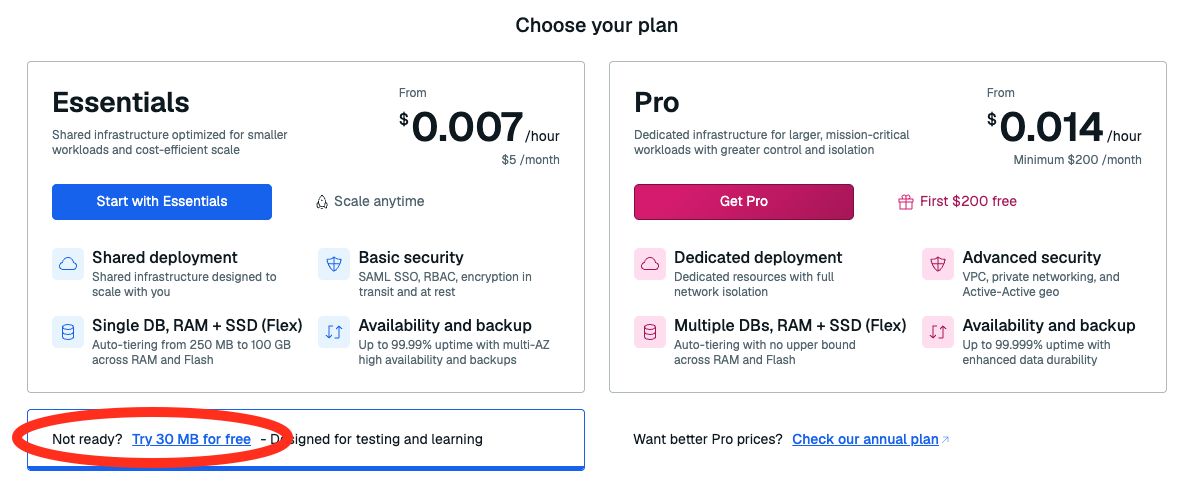
2. Create a Redis Cloud database
- Go to cloud.redis.io and sign up or log in.
-
Click New database and select Try 30 MB for Free.
-
Name it (e.g.
iris-workshop) and click Create. -
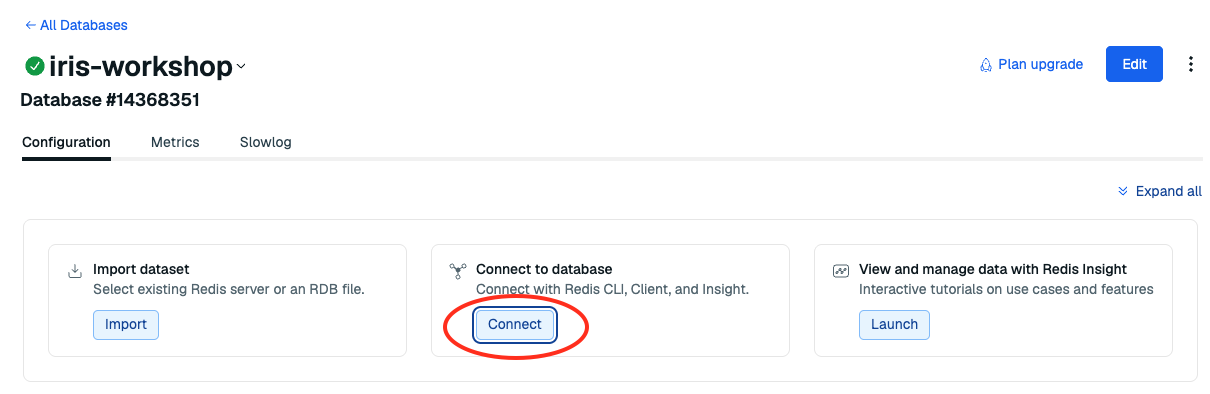
Click Connect, choose Python, and copy your host, port, and password.
3. Configure environment
Fill in your credentials:
DEMO_DOMAIN=healthcare
OPENAI_API_KEY=<from your instructor — check Announcements>
REDIS_HOST=<your host>
REDIS_PORT=<your port>
REDIS_PASSWORD=<your password>
Make sure DEMO_DOMAIN is set to healthcare this determines which industry vertical the app uses.
4. Seed data
This loads policy documents with vector embeddings into your Redis database.
5. Start the app
6. Verify
Open localhost:3040.
- You see the RedHealthConnect landing page
- Simple RAG is the only mode available
- Typing a question returns nothing (expected — Vector Search is next)